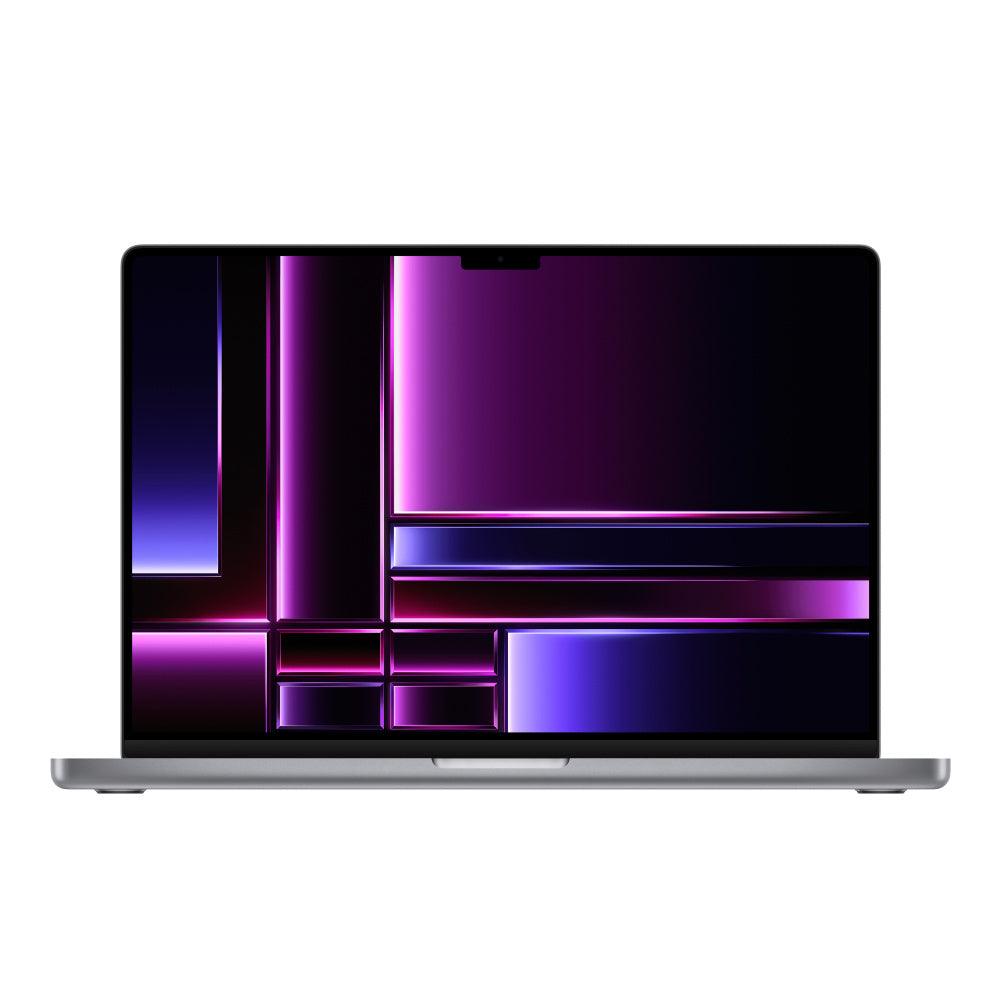
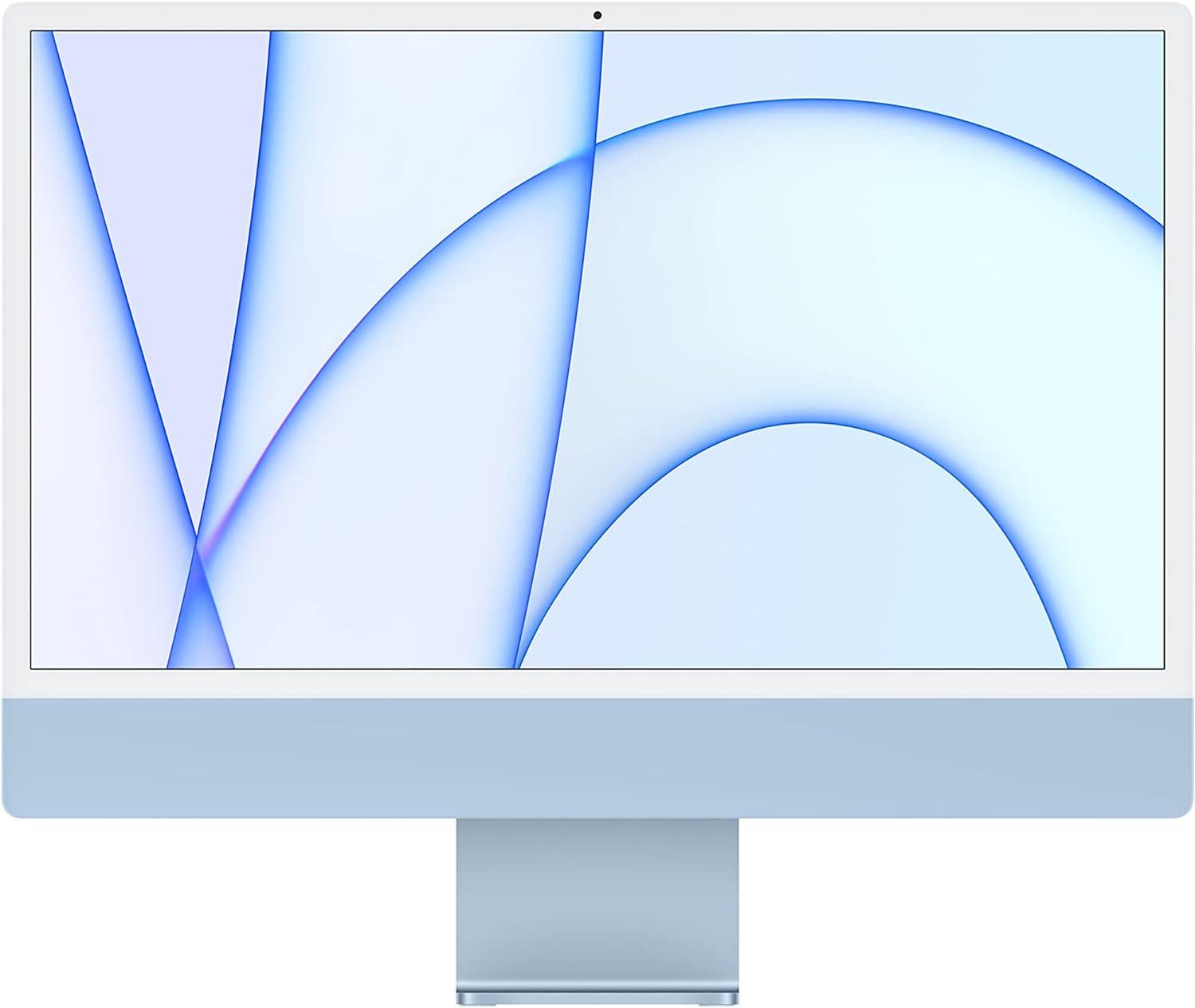
Refurbished Apple laptops, including MacBook Air and MacBook Pro
Browse available devices
414 products
Skip to product grid
Shop Apple Laptops products
-

-

-
-

-

-

-

-
-

-
-

-

-

-

-

MacBook Pro (2019) 16-inch - 2.4GHz i9 - 5500M - Up to 64GB RAM 8TB SSD Space Gray (Configurable)
Choose memory and storageFrom $899.00 -

-

MacBook Pro (Mid 2015) 15-inch - 2.8GHz Core i7 (IG) - 16GB RAM 2TB SSD - New Battery
16GB RAM2TB SSDFrom $599.00 -

-

-

-

-

MacBook Air (2018) 13-inchIntel Core i5
16GB RAM512GB SSDImportant condition notes. Read details.
$349.00$1,799.00 -

MacBook Pro (2016) 13-inchIntel Core i5
8GB RAM512GB SSDImportant condition notes. Read details.
$349.00$1,799.00 -

MacBook Air (2018) 13-inchIntel Core i5
8GB RAM128GB SSDImportant condition notes. Read details.
$225.00$1,399.00 -

MacBook Pro (2019) 16-inchIntel Core i9
16GB RAM512GB SSDImportant condition notes. Read details.
$449.00$3,799.00 -
AppleCare
MacBook Pro (2021) 16-inchM1 Pro
32GB RAM1TB SSDImportant condition notes. Read details.
$1,199.00$2,699.00 -
MacBook Pro (2021) 16-inchM1 Pro
32GB RAM1TB SSDImportant condition notes. Read details.
$1,099.00$2,699.00 -

MacBook Pro (2020) 13-inchIntel Core i7
16GB RAMImportant condition notes. Read details.
$399.00$2,599.00 -

MacBook Pro (2020) 13-inchIntel Core i7
16GB RAMImportant condition notes. Read details.
$449.00$2,599.00 -

MacBook Pro (2019) 15-inchIntel Core i9
32GB RAM512GB SSDImportant condition notes. Read details.
$499.00$3,699.00


Shop Apple laptops by specification and budget
- Choose a family: start with MacBook Air for portable everyday use, or compare MacBook Pro when your applications require a different performance tier, ports or display.
- Compare like for like: line up the chip, installed memory, storage, size and condition. Use the exact configuration to judge value across generations.
- Verify the listing: review battery details, accessories and supported software. If two listings look similar, ask Techable about the specific product before choosing.
↑ Back to products
Find the right refurbished MacBook
Compare MacBook Air and MacBook Pro by Apple silicon or Intel processor, screen size, memory, storage and condition. Each listing represents a particular configuration.
Compare Apple laptop families and budgets
| Model or generation | Good fit for | Check before buying |
|---|---|---|
| MacBook Air | Portable everyday work, school and travel | Compare screen size, memory and SSD before chip generation |
| 14-inch MacBook Pro | Professional work with a more portable display size | Compare exact chip tier, memory, ports and battery notes |
| 16-inch MacBook Pro | More screen space for creative work and multitasking | Compare size, weight, configuration and total price |
| Budget MacBooks | Lower-price Apple laptop options | Verify supported software, condition and included accessories |
Buying tip: Start with the applications you use, then compare the exact specifications and condition of each available device.
MacBook Air versus MacBook Pro
MacBook Air prioritizes portability for everyday work. MacBook Pro offers configurations designed for heavier professional workloads. Compare the exact chip and RAM rather than the family name alone.
Apple silicon versus Intel
Apple silicon Macs are generally the better starting point for modern macOS use. Some Intel machines remain useful for legacy applications, but verify software compatibility and macOS support.
Which MacBook is best for everyday use?
A MacBook Air with adequate memory and storage is a sensible starting point for browsing, documents and video calls.
Common questions about Apple Laptops
Can I upgrade the RAM later?
Memory is not normally upgradeable in Apple silicon MacBooks. Select the configuration you need before purchasing.
Which MacBook is best for everyday work?
For documents, browsing and video calls, start by comparing MacBook Air configurations. Consider a MacBook Pro for heavier sustained workloads or specific display and port requirements.
Review the SafeTech warranty terms, return and refund policy, or trade in a device through Techable. Product condition, accessories, and eligibility depend on the individual listing.
↑ Return to products