DW50B VESA Monitor Wall Mount Bracket Swivels, Tilts and Rotates


DW50B VESA Monitor Wall Mount Bracket Swivels, Tilts and Rotates
Couldn't load pickup availability


Condition Specifications
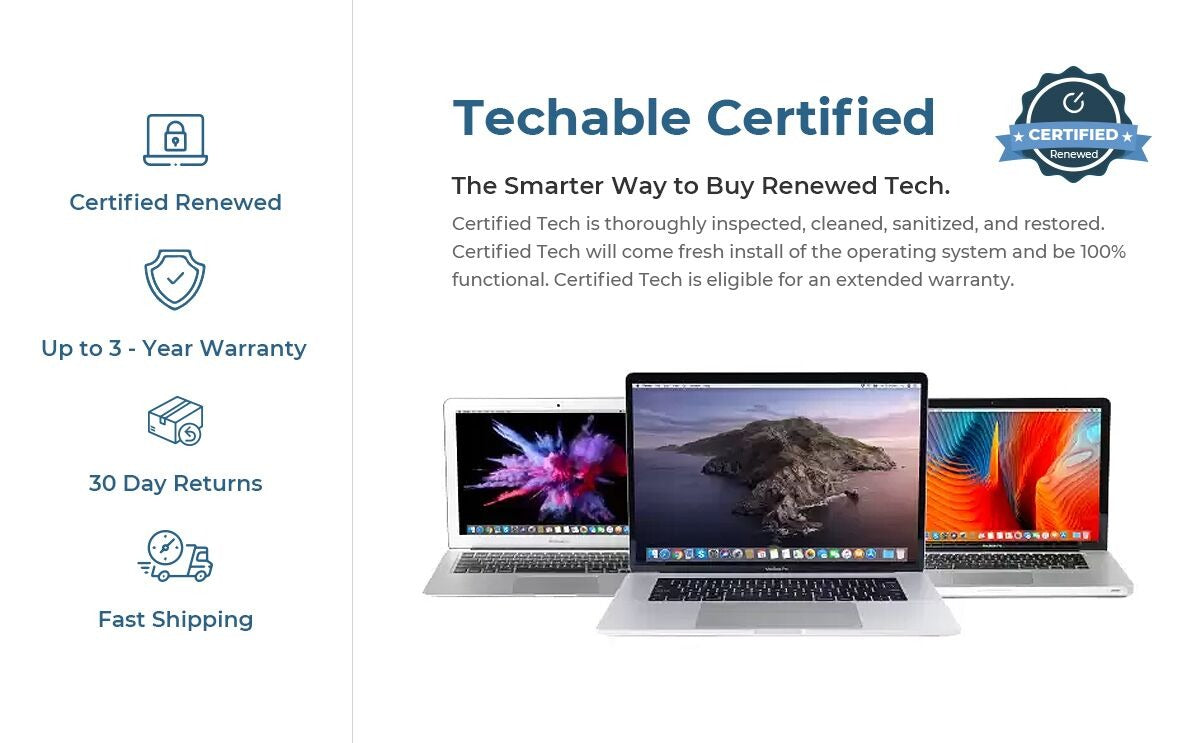
The condition refers to the visual appearance of the device. Each device is thoroughly inspected and found to be in perfect working condition.
-
Excellent
Excellent condition devices will only have minimal wear that is hardly noticeable. -
Great
Great condition will show light signs of wear including scratches, scuffs, or small dings. Wear will be minimal but may be visible from an arm’s length distance. -
Good
Good condition with average signs of wear including scratches, scuffs, or dings that will be visible within an arm’s length distance. -
Fair
Fair condition with heavy signs of wear may include scratches, scuffs, screen delamination, dings, or dents that will be visible from more than an arm’s length distance. -
Support
Please note we cannot send individual pictures of machines. Feel free to message us at support@techable.com with any questions. -
Warranty
Each device comes with a 90-Day warranty on all parts. Additional warranty options are provided by SafeTech Warranty.

DW50B VESA Monitor Wall Mount Bracket Swivels, Tilts and Rotates.
Landscape & Portrait modes.
* Dimensions:
- Length: 5.25" from wall to VESA plate (rear of monitor)
- Hole Pattern for monitor: VESA 75 x 75mm & 100 x 100mm.
- VESA adapter available for 200 x 100 pattern.
- Base: 3.12" W x 1" D x 4.75" H
* Load: holds LCD monitors up to 22 lbs (10 kgs.)
* Regular Price: $78.00
- Sale Price: $68.00 + Shipping $15.00 (contiguous U.S.)
This heavy-duty wall articulating Monitor Wall Mount bracket, comes with all the necessary hardware, including concrete wall anchors, a level and a Allen wrench for torque adjustment. This item is 100% steel (3mm. thick).
This monitor wall mount allows the bracket to tilt almost 40 degrees (limited by the size of the monitor). It also swivels until the monitor edge will touch the wall. The monitor can be used in portrait or landscape mode.
When used straight, the flat screen's back will be 5.25" from the wall to allow for the above tilting and swivel ranges.
Commercial & Institutional Buyers: This item is commercial-grade, heavy-duty, and fully optimized for space-restricted layouts, clinical exam rooms, dental practices, and high-density corporate workstations. Dispatched directly from our Florida warehouse facility with reliable, standardized flat-rate shipping across the contiguous United States.
* How to mount the monitor to the bracket and the wall?
1) Attach the VESA bracket to the back of the monitor with the provided special mounting screws. Below you can see a drawing detailing the VESA hole pattern for 100 x 100 and 75 x 75 mm included in this bracket.

The torque (stiffness) or the swivel and tilt can be adjusted by removing the plastic caps, with the provided Allen wrench:

2) Remove the inner part of the base by removing the 3 screws that hold it onto the base and attach it to the wall. The image above shows the base with the wall part removed.
3) Finally, just mate the base of the bracket with the part that was attached to the wall and secure it back with the same screws.

This monitor bracket can also be used to affix a monitor onto a counter, with adjustable tilt all the way to horizontal.
Chat with a Techable Specialist
We make tech buying effortless. Let us handle the details and take the hassle out of your experience!
Call Us: 1-800-311-5990
See What Others are Saying
Techable Renewed Tech.
Support a Better Future.
- Choosing a selection results in a full page refresh.
Trade-in


Your old tech still has value.
See what your device could be worth in a few simple taps. Pick the model, tell us its condition, and get an estimated trade-in value.
Your estimate is based on the details you provide and is confirmed after inspection.