Sold out
Refurbished laptops for work, school and everyday use
Browse available devices
616 products
Skip to product grid
Shop Laptops products
-
 Sold out
-
 Sold out
-
 Sold out
-
 Sold out
-
 Sold out
-
 Sold out
-
 Sold out
-
 Sold out
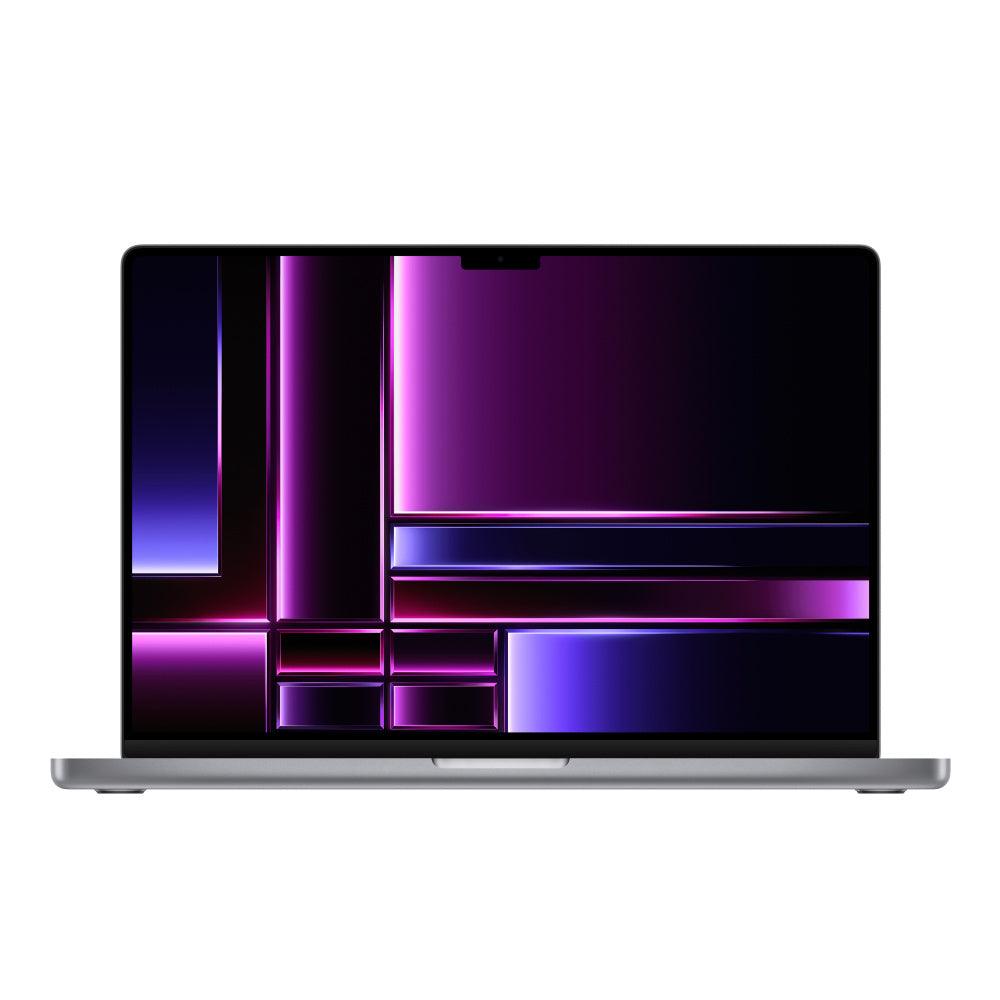
MacBook Pro (2019) 16-Inch - 2.4GHz Core i9 - 5500M - 32GB - 2TB SSD - Space Grey - Configurable
2TB SSDChoose configurationFrom $1,099.00 -
 Sold out
Apple MacBook Pro (15-inch Late 2011) 2.5 GHz i7-2860QM 8GB RAM 512GB SSD (Silver)
8GB RAM512GB SSDFrom $355.00 -
 Sold out
Apple MacBook Pro (15-inch Late 2011) 2.4 GHz i7-2760QM 8GB RAM 512GB SSD (Silver)
8GB RAM512GB SSDFrom $350.00 -
 Sold out
Apple MacBook Pro (15-inch Early 2011) 2.3 GHz i7-2820QM 8GB RAM 512GB SSD (Silver)
8GB RAM512GB SSDFrom $359.99 -
 Sold out
Apple MacBook Pro (15-inch Late 2011) 2.2 GHz intel i7-2675QM 8GB RAM 512GB SSD (Silver)
8GB RAM512GB SSDFrom $330.00 -
 Sold out
Apple MacBook Pro (15-inch Early 2011) 2.2 GHz intel i7-2720QM 8GB RAM 512GB SSD (Silver)
8GB RAM512GB SSDFrom $300.00 -
 Sold out
Apple MacBook Pro (15-inch Early 2011) 2.0 GHz i7 8GB RAM 512GB SSD (Silver)
8GB RAM512GB SSDFrom $309.00 -
 Sold out
Apple Macbook Pro 17-inch (Early 2011) 2.2GHz Core i7 MC725LL/A
Choose memory and storageFrom $439.00 -
 Sold out
Apple MacBook Pro 13" 2.7GHz - 3.4GHz Core i7 Configurable to 16GB & 1TB SSD
Choose memory and storageFrom $299.00


Narrow your laptop search in three steps
- Pick the operating system first: use the requirements of your school, employer or essential applications to choose macOS or Windows.
- Match the workload: compare processor generation, RAM, storage and any required graphics hardware. A processor family name by itself is not enough to compare two laptops.
- Check everyday usability: review screen size, ports, webcam, battery details, condition and included charger before comparing the final price.
↑ Back to products
Choosing a refurbished laptop
Compare operating system, screen size, processor generation, RAM, SSD storage and condition before buying. A well-matched refurbished laptop can cover everyday tasks without the cost of a new system.
Choose a laptop by operating system and workload
| Model or generation | Good fit for | Check before buying |
|---|---|---|
| MacBook Air | Study, documents, video calls and portable daily work | Compare chip, memory, battery notes and supported apps |
| MacBook Pro | Creative applications, development and demanding multitasking | Check chip tier, installed memory, screen size and ports |
| Windows business laptops | Windows applications, workplace tools and business use | Check processor generation, RAM, storage and operating-system support |
| Gaming laptops | Games or software that needs dedicated graphics | Check the exact GPU and the requirements of your games |
Buying tip: Start with the applications you use, then compare the exact specifications and condition of each available device.
Mac or Windows: which laptop fits?
MacBooks are a practical choice for people already using Apple devices or macOS software. Windows laptops provide a wide range of business models, ports and configurations. Check required apps and peripherals first.
Also compare Chromebooks if your required apps support ChromeOS, or explore budget laptop options by their actual configurations and condition. For macOS workloads that need more headroom, compare MacBook Pro models. Check software requirements before choosing an operating system.
Laptop size, battery and specifications
Smaller laptops are easier to carry; larger displays offer more workspace. Check the listed battery condition, memory, SSD capacity, webcam and ports on each individual product.
What should I check on a used laptop?
Check its exact model, processor, RAM, storage, screen, battery details and condition grade. Confirm that your required software supports its operating system.
Common questions about Laptops
Are refurbished laptops suitable for students?
Many are. Match the school’s software and minimum hardware requirements to the individual laptop before ordering.
Should I choose a MacBook or a Windows laptop?
Choose the operating system your required applications support. Compare memory, storage, ports, battery details and the exact condition of each laptop.
Review the SafeTech warranty terms, return and refund policy, or trade in a device through Techable. Product condition, accessories, and eligibility depend on the individual listing.
↑ Return to products