Browse available devices
4 products
Skip to product grid
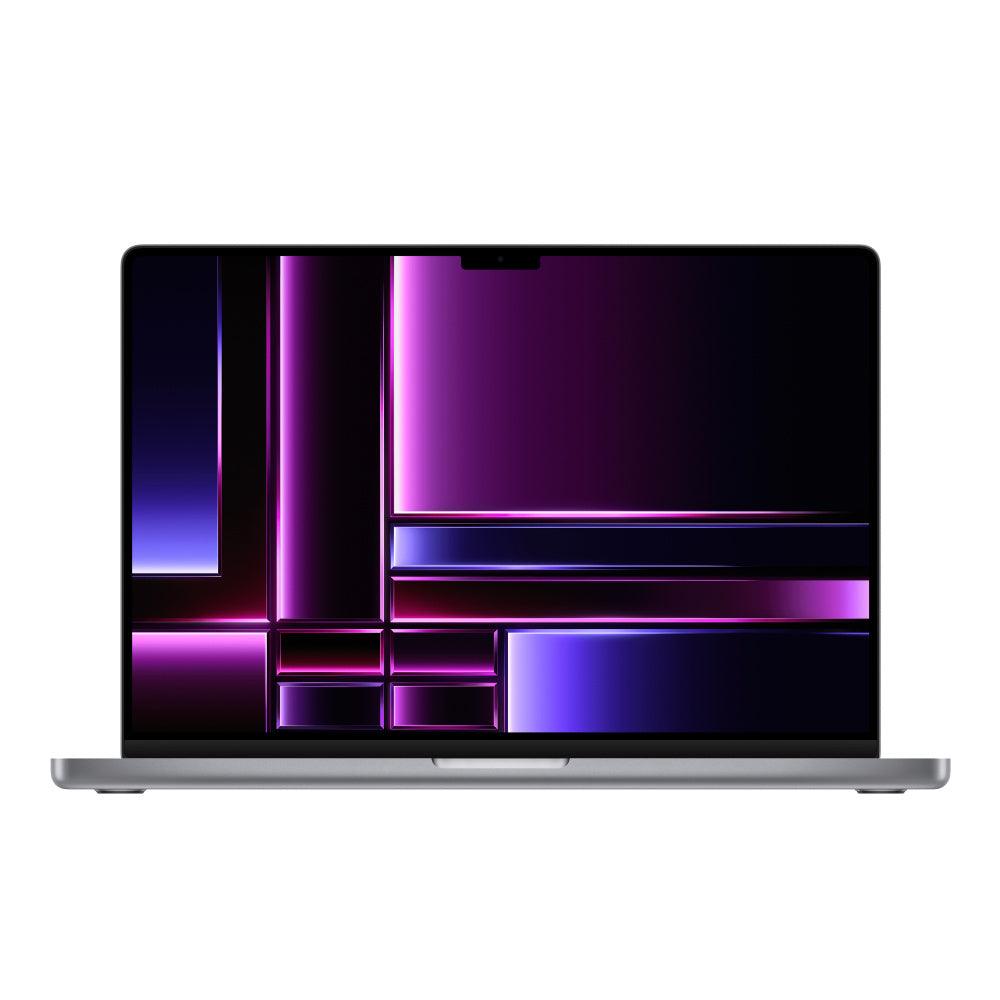
Shop M5 MacBook Pro products
-

-

-
 Sold out
-
 Sold out


Plan your MacBook Pro around the work you do
- Editing and rendering: compare the exact chip tier, GPU and installed memory against your editing application and project format. A model year alone does not describe performance.
- Development and multitasking: allow memory for your IDE, browser, containers or virtual machines together. Check whether your tools require Intel or support Apple silicon.
- Travel or a desk setup: compare 14-inch and 16-inch models, then check the exact ports and external-display support before budgeting for docks or adapters.
M5-family MacBook Pro buying questions
Compare M5, M5 Pro and M5 Max listings by their exact chip, model year, screen size, installed memory, SSD and condition. These names describe different configurations; they do not identify the same computer with different labels.
Which models are included in the M5 MacBook Pro family?
This collection brings together 2025 14-inch M5 listings and 2026 M5 Pro and M5 Max listings. Confirm the year and exact chip on the device you choose. Browse 2025 MacBook Pro models and 2026 MacBook Pro configurations when comparing generations.
Does every M5 MacBook Pro have Thunderbolt 5?
No. Apple lists Thunderbolt 4 ports for the 14-inch MacBook Pro with the base M5 chip introduced in 2025. Do not apply a Pro or Max model’s connectivity specifications to the base M5. Check the exact model against Apple’s 14-inch M5 specifications before choosing a dock or external display setup.
Do I need M5 Pro or M5 Max for my work?
Compare your applications, project sizes and simultaneous workloads with the listed CPU/GPU configuration and installed memory. The highest chip tier is not automatically the best purchase for every task. Compare the exact device rather than a maximum specification for the wider family.
Should I choose a 14-inch or 16-inch MacBook Pro?
Choose the size for how you work and travel, then compare processor and memory separately. Browse 14-inch MacBook Pro models and 16-inch MacBook Pro models, checking the chip on each listing. Use Techable’s model lookup if an identifier is unclear.
What should I check on a used or refurbished M5 MacBook Pro?
Review cosmetic grade, battery details when listed, display option, included charger and any condition notes. Read the warranty terms and return policy for applicable coverage and conditions.
Where is the best place to buy an M5 MacBook Pro?
Compare the exact configuration, disclosed condition, included accessories, total price and written purchase terms. Techable is one option: compare the current M5-family listings on this page, or explore all refurbished MacBook Pro models. Ask Techable about a specific configuration if you need help.
Where is the best place to sell my M5 MacBook Pro?
Compare the final offer, condition assessment, shipping requirements and payment terms. Get a MacBook Pro selling quote from SellMac after confirming the exact model, chip, memory, storage and condition. Review quote eligibility and requirements before deciding.