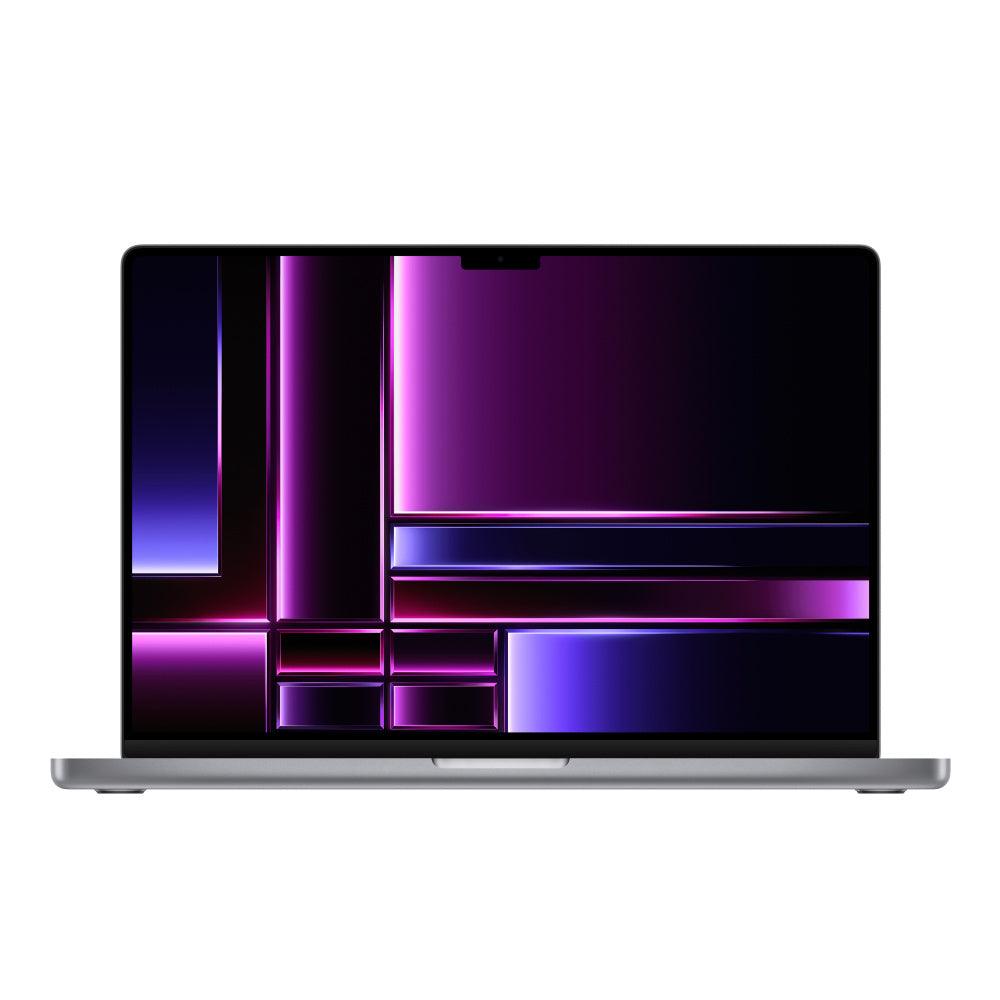
MacBook Pro (2023) · 14 inchM2 Max
32GB RAM1TB SSD
Important condition notes. Read details.
$1,499.00$3,099.00
Important condition notes. Read details.
 Sold out
 Sold out
 Sold out
 Sold out
 Sold out
 Sold out
 Sold outConfigurable
 Sold out
 Sold out
 Sold outConfigurable
 Sold outConfigurable
 Sold out
 Sold out
For repair or with issues. Check details.
 Sold out
Important condition notes. Read details.
 Sold out
Important condition notes. Read details.
This collection spans the 13-inch base-M2 MacBook Pro introduced in 2022 and 14-inch or 16-inch M2 Pro/Max models introduced in 2023. Confirm the exact chip, screen size, installed memory, SSD and condition. Current listings include parts-or-repair devices as well as other condition grades.
No. The base M2, M2 Pro and M2 Max are distinct chip tiers in different laptop designs. Compare 2022 13-inch M2 models and 2023 MacBook Pro models, checking the chip because 2023 also includes M3-family laptops. The M2-family configuration guide offers another comparison of this range.
No. The 13-inch M2 specifications do not describe M2 Pro or M2 Max laptops. Confirm installed memory and storage, then check the exact chip’s ports and external-display support. A family maximum is not the installed configuration, and a dock does not establish native monitor support.
Compare portability, working space and the applications you use alongside the exact chip. Browse 13-inch, 14-inch and 16-inch MacBook Pro options. Screen size alone does not identify the generation or performance tier.
Confirm the chip and model identifier in About This Mac or System Information. Use Mac model lookup and Apple’s model identification guide to find matching specifications. Check your applications’ processor, memory and macOS requirements before choosing a listing.
Read cosmetic grade, functional notes, battery information when provided and included accessories. Some listings are marked for parts or repair and may require work before everyday use. Original new-device battery tests do not guarantee runtime for a used laptop. Choose the installed memory and SSD you need; do not assume upgrades after purchase.
Compare the exact chip tier, size, memory, SSD, condition, total price and written purchase terms. Review current listings here or compare all refurbished MacBook Pro models. Read the warranty terms and return and refund policy; coverage and eligibility depend on the listing and applicable terms.
Identify whether it uses M2, M2 Pro or M2 Max, then confirm screen size, memory, storage and condition. Compare the final offer, inspection process, shipping requirements and payment terms. SellMac is one option for selling a MacBook Pro; check supported configurations before deciding.
Get an offer through SellMac, our trade-in service.
Your trade-in is paid separately after inspection.
Your shopping brief
YOUR PERSONAL TECH GUIDE
Tell me what you love doing. I’ll help you find a Mac that fits, pick a thoughtful gift, or get unstuck.
Open this preview directly in Safari or Chrome. In the site settings for techable.com, allow microphone access, then try again.
You can type without a microphone.
Nova’s getting your conversation ready…
Hey, I’m Nova.
Pick up where you left off.
Saved on this browser for 7 days.Or start with a question
No sign-in needed · Messages are visible to Techable.
Privacy · AI can make mistakes.