Was:
$109.95
Was:
Sale price
$109.95
Unit price
per
Shipping calculated at checkout.
Couldn't load pickup availability


×
Condition Specifications
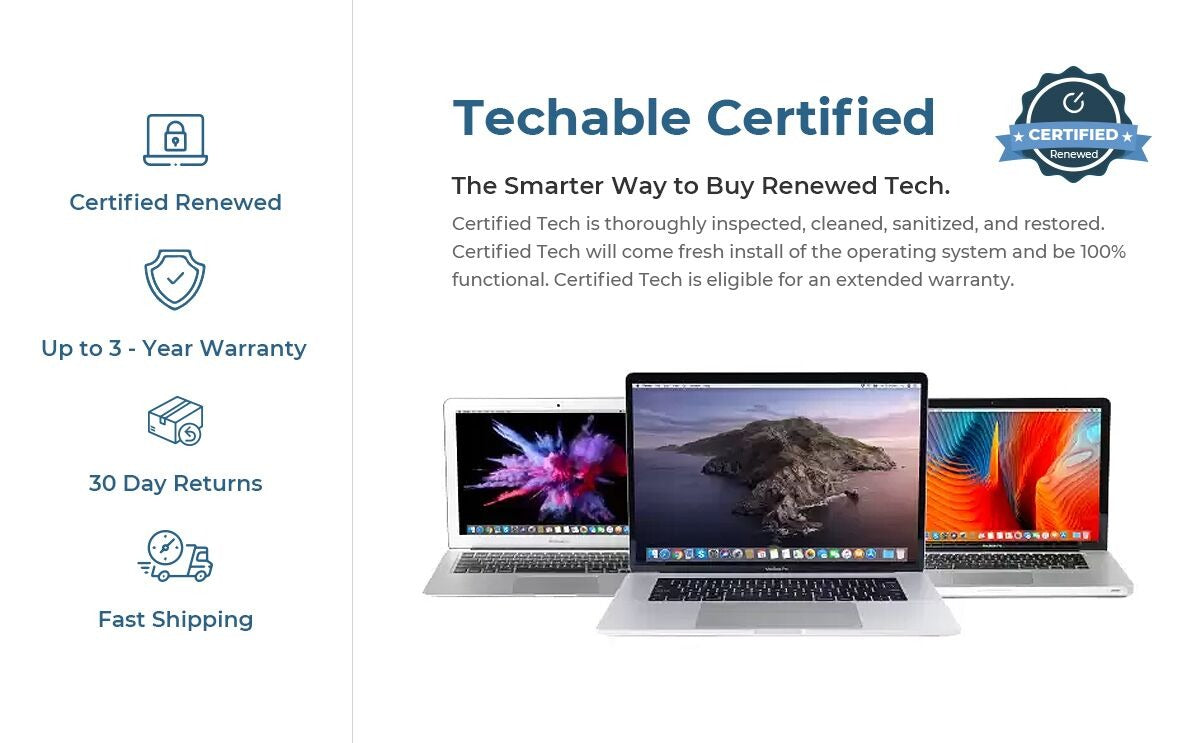
The condition refers to the visual appearance of the device. Each device is thoroughly inspected and found to be in perfect working condition.
-
Excellent
Excellent condition devices will only have minimal wear that is hardly noticeable. -
Great
Great condition will show light signs of wear including scratches, scuffs, or small dings. Wear will be minimal but may be visible from an arm’s length distance. -
Good
Good condition with average signs of wear including scratches, scuffs, or dings that will be visible within an arm’s length distance. -
Fair
Fair condition with heavy signs of wear may include scratches, scuffs, screen delamination, dings, or dents that will be visible from more than an arm’s length distance. -
Support
Please note we cannot send individual pictures of machines. Feel free to message us at support@techable.com with any questions. -
Warranty
Each device comes with a 90-Day warranty on all parts. Additional warranty options are provided by SafeTech Warranty.

SafeSleeve Laptop Case
Was:
$109.95
Was:
Sale price
$109.95
12-14" / Black
Anti-Radiation, EMR Blocking Lap Desk, Case and Workstation with Mouse Pad.
Order Today and Receive FREE SHIPPING Within the US and Discounted International Rates!
Have a question? Chances are you aren't the only one. Check out our FAQ here.
NOTE: For orders outside the US, customs fees may apply upon receipt of your order
Features
- Anti-Radiation -- We've integrated our FCC accredited lab tested radiation shielding material that can block over 99% of RF (5G, Wi-Fi, etc.) and up to 92% of ELF (battery, AC power, etc.) radiation from your laptop.

- Protective Case -- Impact resistant, durable materials provide superior protection in a light weight, stylish case.
- Desktop Workstation -- A built-in mouse pad and breathable surfaces that keep your computer cool create a convenient desktop workstation.

Order now to receive FREE SHIPPING on all US orders!
Sizing
- 12-14" fits 12" MacBook, 13" MacBook Pro and wide range of 12-14" PC Laptops (up to 13.5 x 9.5 x 1.2 inches)
- 15-16" fits 15" MacBook Pro and wide range of 15-16" PC Laptops (up to 14.8 x 10.5 x 1.2 inches)
FAQ
-
How does the laptop case protect me from radiation?
- Simply place your laptop on your SafeSleeve for Laptop (either side up) as an anti-radiation barrier between you and your computer. Our shielding material spans the entire area of the case.
-
What about the top and sides of my computer?
- Some EMR is emitted from the top of the computer, but vital areas of your body (i.e. chest, abdomen and head) are at a safe distance (6-8 inches) from the laptop. While your hands and wrists are in this range, they are far less susceptible since they do not have the same soft tissues and vascularity as your lap.
- Levels around the sides of the laptop are negligible as seen by using a tri-field EMF meter.
-
I use a pillow or a book under my laptop, does that protect me at all?
- Only materials specifically formulated to block EMR will provide protection. Before/after testing with an EMF meter shows virtually no reduction in levels with any other materials including pillows, blankets, books, other cases etc.
Chat with a Techable Specialist
We make tech buying effortless. Let us handle the details and take the hassle out of your experience!
Call Us: 1-800-311-5990
See What Others are Saying
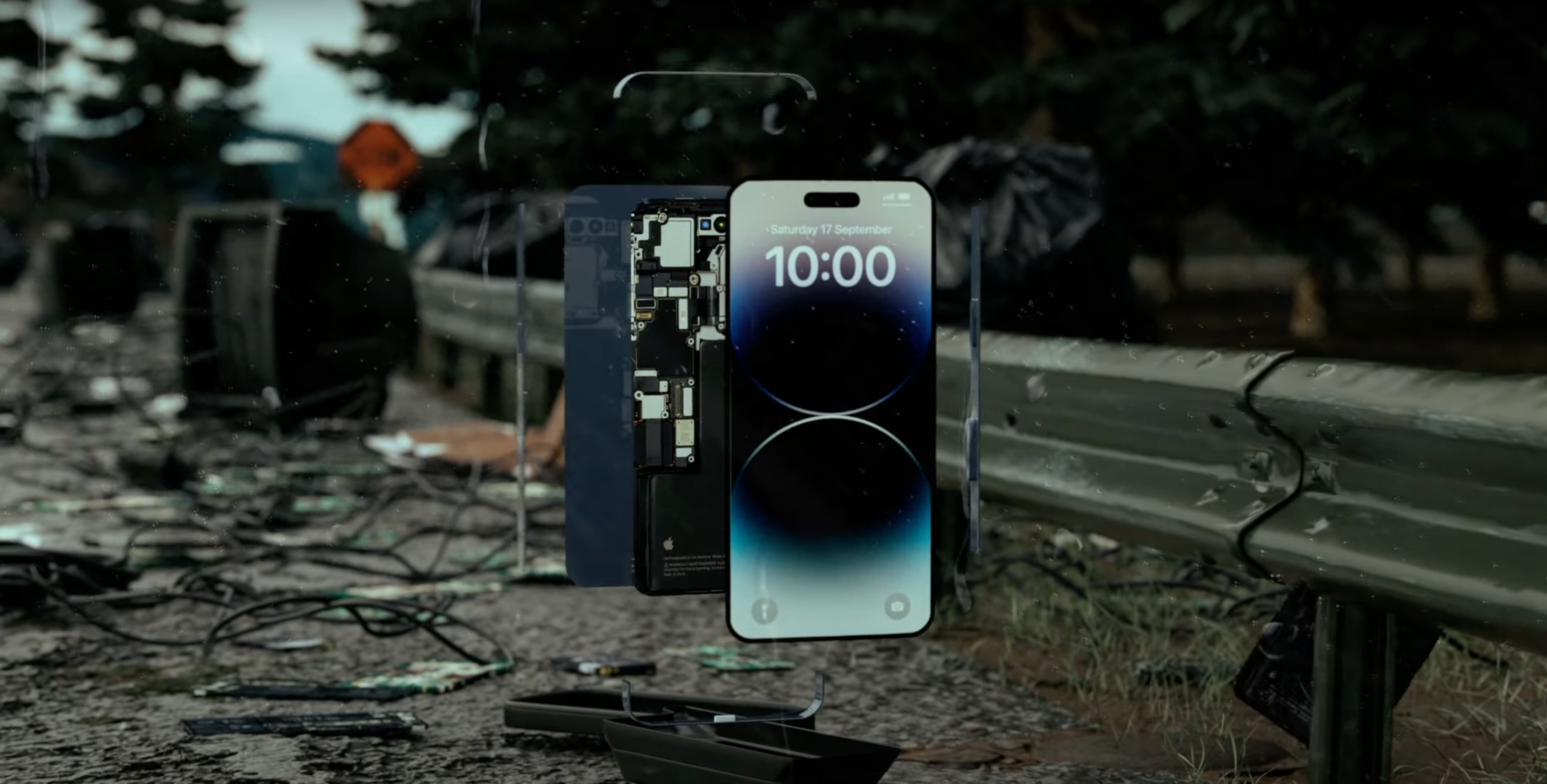
Techable Renewed Tech.
Support a Better Future.
Contact Us
- Choosing a selection results in a full page refresh.
Trade-in

Top Tech. Great Deals. Everyday.

Techable Trade-In
Your old tech still has value.
See what your device could be worth in a few simple taps. Pick the model, tell us its condition, and get an estimated trade-in value.
About 2 minutes
Prepaid shipping
Secure processing
Your estimate is based on the details you provide and is confirmed after inspection.