Sold out
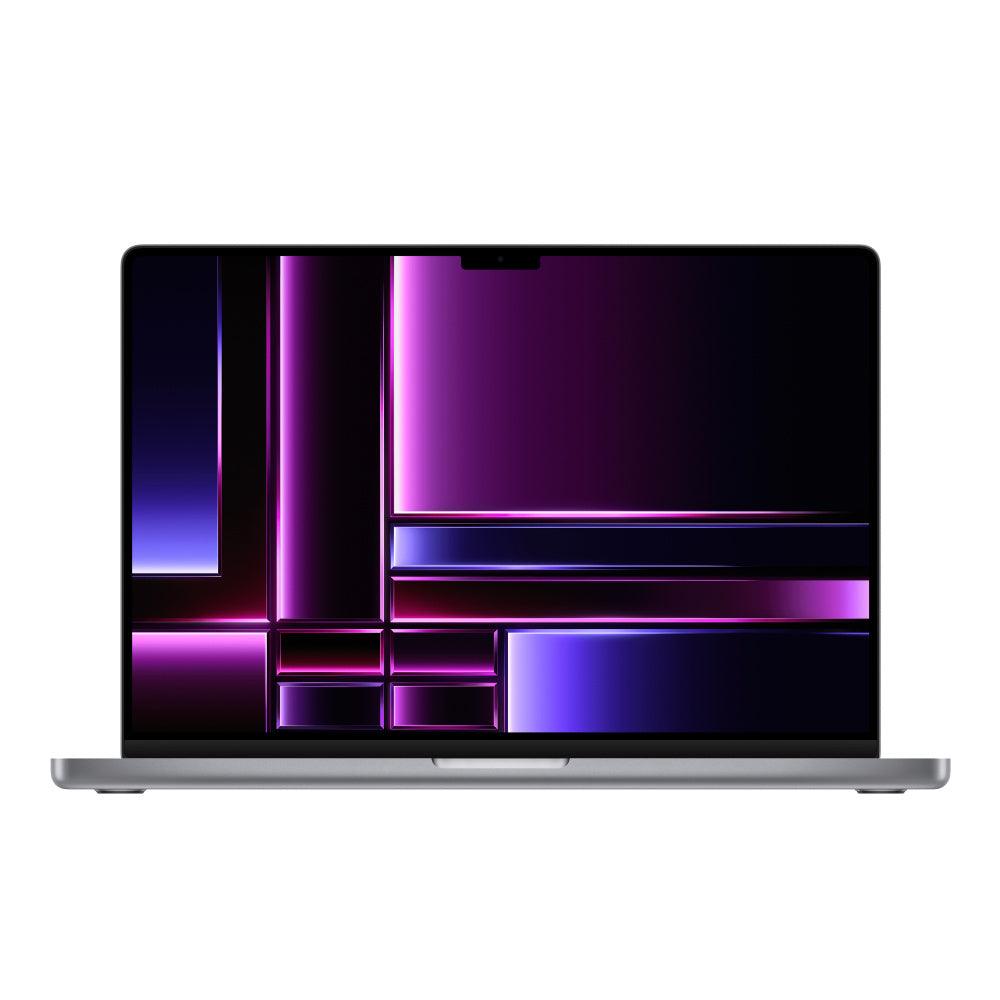
Apple MacBook Pro (15-inch Early 2011) 2.3 GHz i7-2820QM 8GB RAM 1TB SSD (Silver)
8GB RAM1TB SSD
From
$389.99
Compare refurbished MacBook Pro laptops by 14-inch, 16-inch, or older sizes, Apple silicon or Intel chip, RAM, storage, and condition.
Sold out Sold out
 Sold out
 Sold out
 Sold out
 Sold out
 Sold out
 Sold out
 Sold out
 Sold out
 Sold out
 Sold out
 Sold out
 Sold out
 Sold out
 Sold out
 Sold out
 Sold out
 Sold out
 Sold outConfigurable
 Sold outConfigurable
Browse used and refurbished MacBook Pro computers across Intel and Apple silicon generations. Techable offers individually specified configurations, so compare model year, processor, memory, SSD capacity, screen size, and condition before choosing. Inventory changes as devices sell and new units arrive.
| Model or generation | Good fit for | Check before buying |
|---|---|---|
| 2019–2020 Intel | Legacy Intel workflows and lower initial cost | Check macOS/app support, battery information, thermal needs, and ports |
| 2021 14- or 16-inch M1 Pro / Max | Excellent Apple silicon options for creative and development work | Review memory, storage, display size, battery and exact M1 tier |
| 2023 M2 / M3-generation Pro | More recent performance tiers and configurations | Distinguish base chips from Pro/Max; compare RAM, storage, and ports |
| 2024 M4-generation Pro | Newer processor families for professional workloads | Check the exact CPU/GPU tier and whether higher specifications are necessary |
| 2025 14-inch M5 | Compare newer 14-inch configurations alongside earlier Pro and Max models | Match installed memory and storage to your workload; check display option, condition and included accessories |
| 2026 Pro / Max configurations | Compare newer Pro and Max listings for demanding workloads | Check the exact chip, screen size, memory, storage and condition rather than choosing by year alone |
Buying tip: A 14-inch or 16-inch Apple silicon Pro model is a strong place to start for demanding modern work. An Intel MacBook Pro can still suit specific legacy needs at the right price.
Apple silicon MacBook Pro models combine strong performance and efficiency, while some older Intel models can offer a lower-cost option for specific software requirements. Screen size, chip generation, GPU capability, ports, and supported external displays vary by model. Check the exact specifications rather than assuming all Macs from a model year are identical.
A 14-inch MacBook Pro balances portability with a larger working display than many older 13-inch models. The 16-inch family offers more display space for editing, design, development, and multitasking. Review installed RAM, battery information when listed, storage, connectivity, and compatibility with your applications. Unified memory in Apple silicon systems is not normally upgradeable after purchase.
Used laptops can differ substantially in cosmetic wear, battery condition, accessories, and configuration. Confirm the actual listing details before buying. A higher-end older Mac is not automatically better for every buyer than a newer, lower-priced configuration.
It may be appropriate when the price, ports, or software compatibility matter more than having the newest chip. Check macOS support and app requirements for the specific model before making a decision.
Everyday work may require less than professional video, virtual machines, or large media projects. Compare your existing workload against each listed configuration; many Apple silicon models cannot have memory or internal storage upgraded later.
Compare current Techable listings by year, chip, display size, memory, storage, condition, and included details. Compare current MacBook Pro listings; availability changes.
Confirm the exact model, configuration, and condition, then review the current quote and selling requirements. Get a MacBook Pro quote from SellMac.
Review the SafeTech warranty terms, return and refund policy, or trade in a device through Techable. Product condition, accessories, and eligibility depend on the individual listing.
↑ Return to productsGet an offer through SellMac, our trade-in service.
Your trade-in is paid separately after inspection.